
The Fake Giveaway Epidemic: How to Safely Join Creator Discord Servers
The Giveaway Might Not Be the Prize
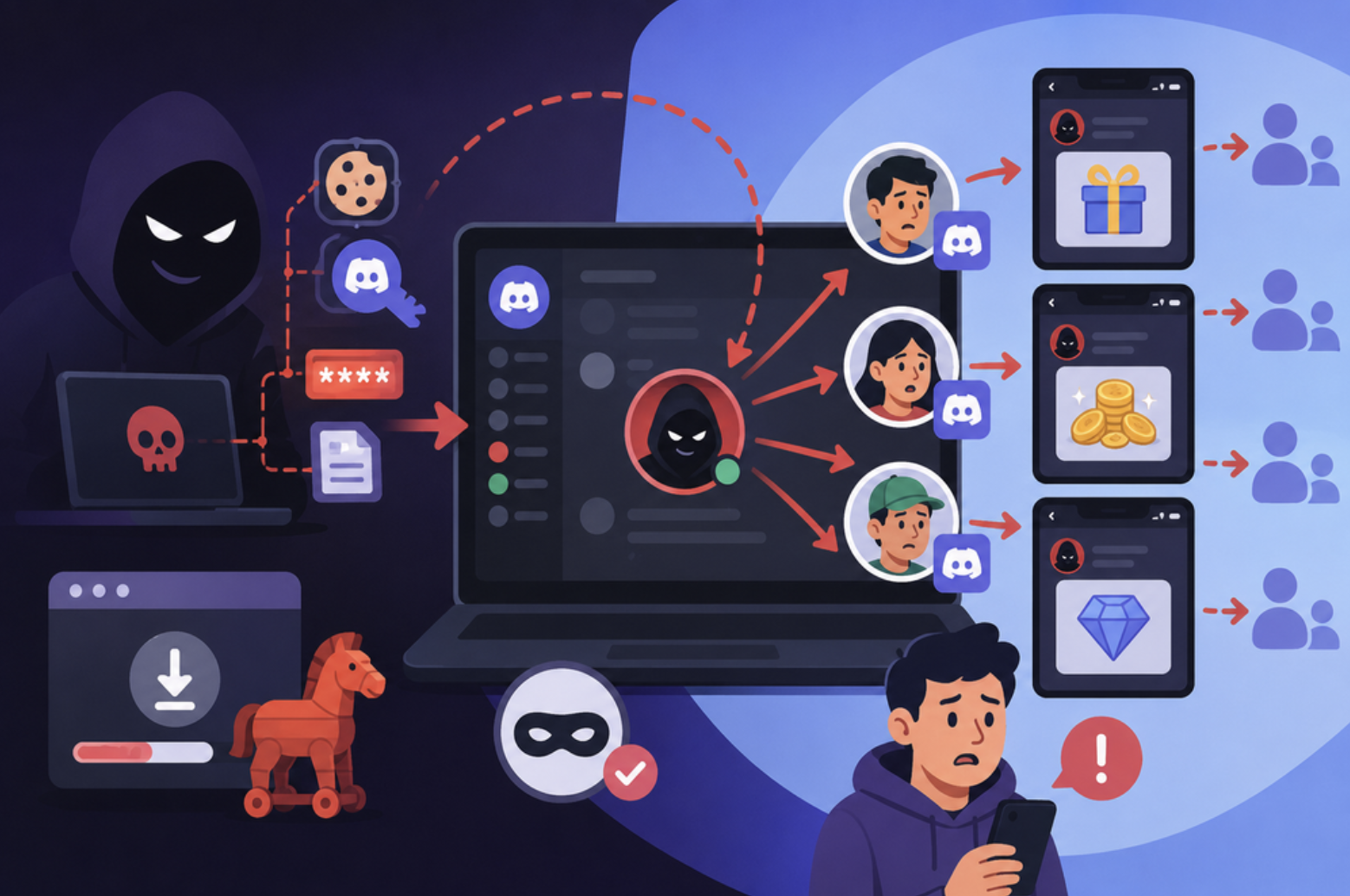
A creator announces a huge Discord giveaway. Thousands of fans rush to join.
Then a bot appears.
“Verify your account to claim your prize.”
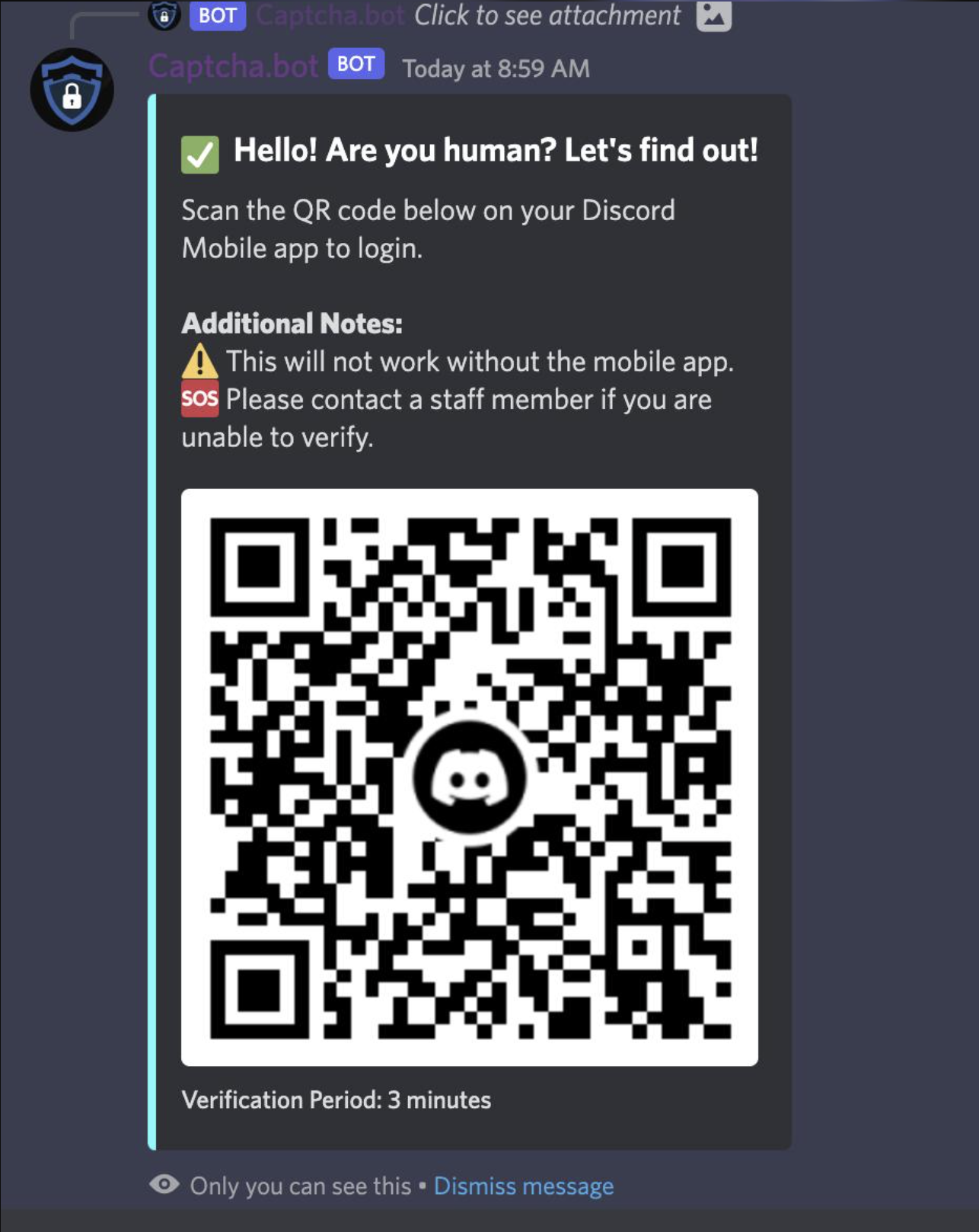
It sends you a link. Or worse, it shows a QR code and tells you to scan it with Discord.
This is where things can go wrong.
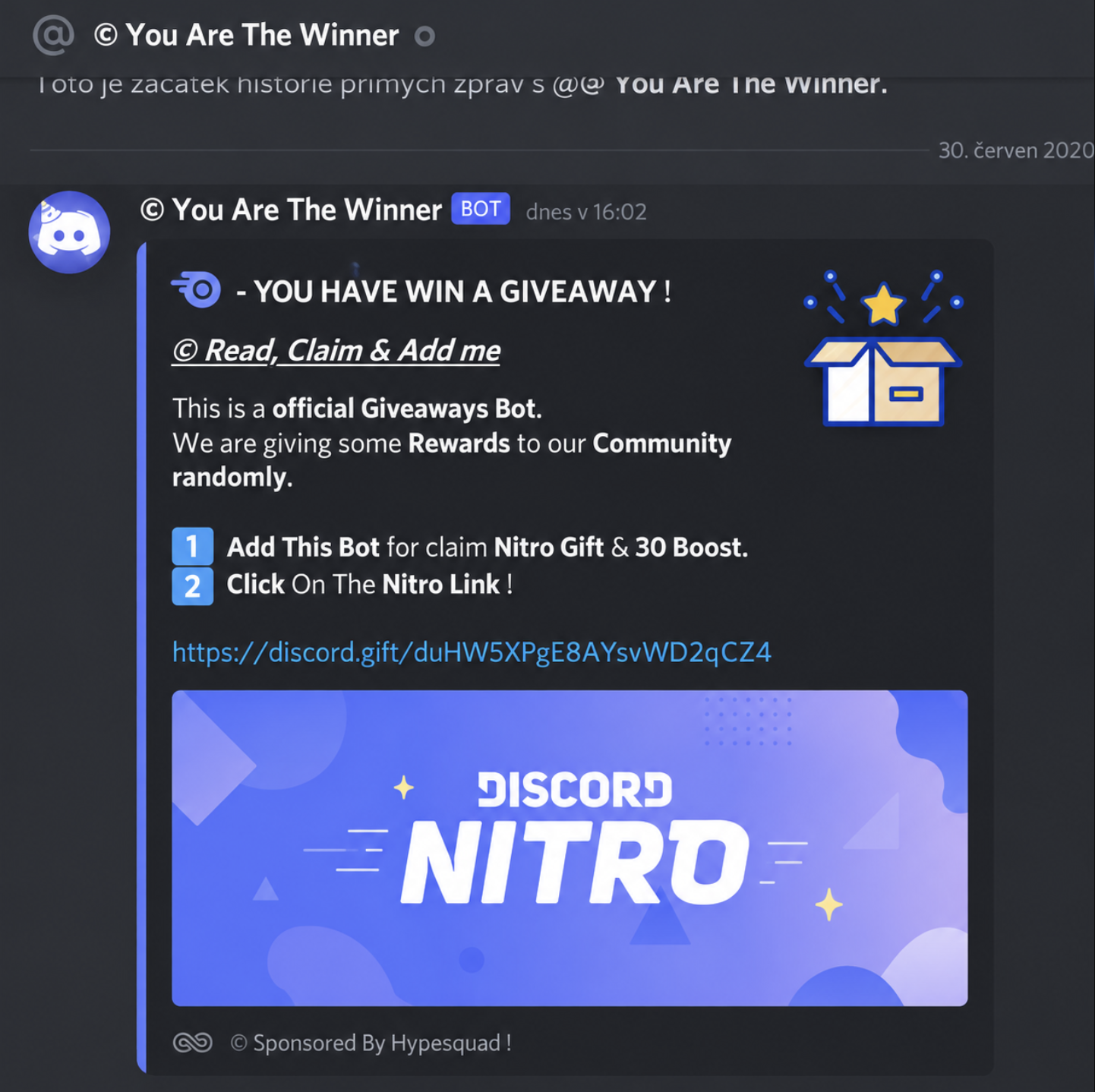
Scammers often create fake servers, fake verification bots, fake Nitro giveaways, and lookalike websites designed to trick fans into handing over their Discord accounts.
This is especially dangerous around massive creator communities built around names such as Kai Cenat, IShowSpeed, and MrBeast.
The important rule is simple:
A giveaway should never require you to give someone control of your Discord account.
1. Make Sure You Joined the Real Server
Before clicking anything, check where the invite came from.
A creator's official YouTube, Twitch, X, Instagram, or other verified social account is much safer than a random Discord invite posted in a comment or sent through a DM.
Scammers can copy:
- Server names
- Logos
- Creator profile pictures
- Channel layouts
- Bot names
- Giveaway announcements
A convincing server can still be completely fake.
Quick check
Ask yourself:
Did I get this invite from the creator's official account or an untrusted message?
If the answer is the second one, stop and verify it first.
2. Be Suspicious of “Verification” Bots
One of the biggest warning signs is a bot telling you that you must verify before accessing the server or claiming a giveaway.
A scam bot may ask you to:
- Click an external verification link
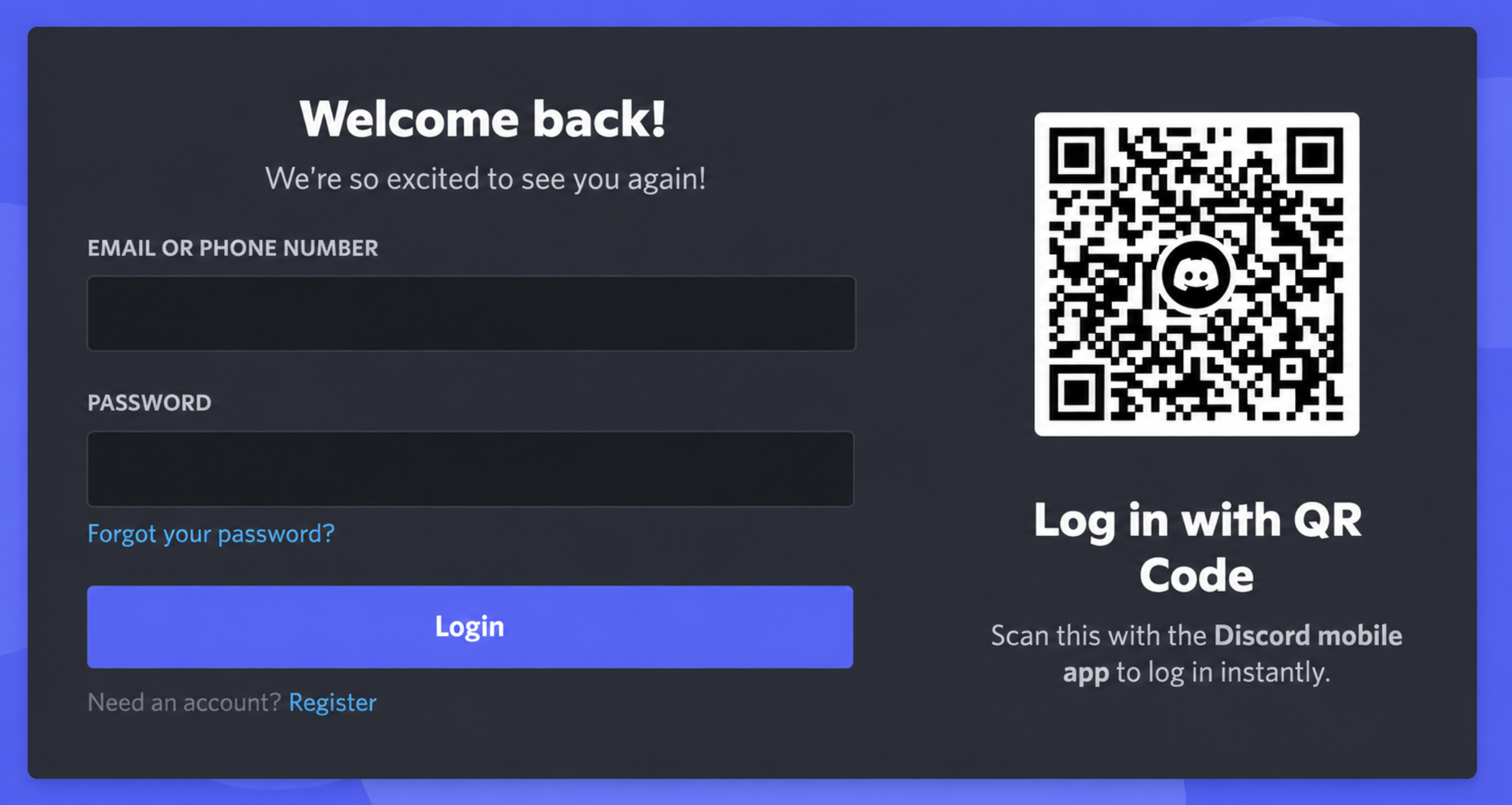
- Log into Discord again
- Authorize an unfamiliar application
- Download a program
- Enter your Discord credentials
- Scan a QR code
The bot's name or profile does not prove that it is legitimate.
Never enter your Discord password into a website opened from a random bot message.
3. Never Scan a Random Discord QR Code
QR-code scams deserve extra attention.
A scammer can display a QR code and claim:
“Scan this to verify your Discord account.”
The code can lead to a malicious login or authorization flow.
Treat unexpected QR codes like unexpected login links.
If a giveaway suddenly asks you to scan a QR code to receive Nitro, money, or another prize, stop.
You don't need to scan it just because the message looks official.
4. Free Nitro Does Not Mean Free Account Access
“FREE NITRO.”
“$1,000 GIVEAWAY.”
“WIN A GAMING PC.”
These messages are designed to create urgency.
Scammers may use countdown timers or messages such as:
- “Only 5 minutes left!”
- “Claim before the giveaway closes!”
- “You have been selected!”
- “Verify now or lose your prize.”
That pressure is intentional.
Take a moment and verify the giveaway through the creator's official channels before doing anything.
5. Check What a Website Is Asking For
Before authorizing an application, look carefully at what it wants access to.
Ask:
Why does a giveaway need this permission?
A prize claim should not require suspicious access to your account.
If a website asks for your Discord login credentials directly, leave it.
If it asks you to authorize an unfamiliar application, don't blindly accept it.
6. What If You Already Clicked Something?
Don't panic.
If you think you interacted with a suspicious site or application:
- Change your Discord password.
- Enable or review MFA.
- Review Authorized Apps and remove anything suspicious.
- Check your email for unexpected Discord security notifications.
- Check whether your account has sent messages you didn't write.
- Warn friends if your account may have been compromised.
- Report the scam to Discord.
The faster you react, the better.
Fake Giveaway vs Safe Giveaway
| Red Flag | Safer Approach |
|---|---|
| Random DM with giveaway | Verify through official creator channels |
| “Scan this QR to verify” | Don't scan unexpected QR codes |
| Bot asks for your password | Never give it your password |
| Urgent countdown | Stop and verify |
| Unknown external website | Check the destination first |
| Suspicious authorization request | Don't authorize it |
| “Free Nitro” requiring login | Treat it as suspicious |
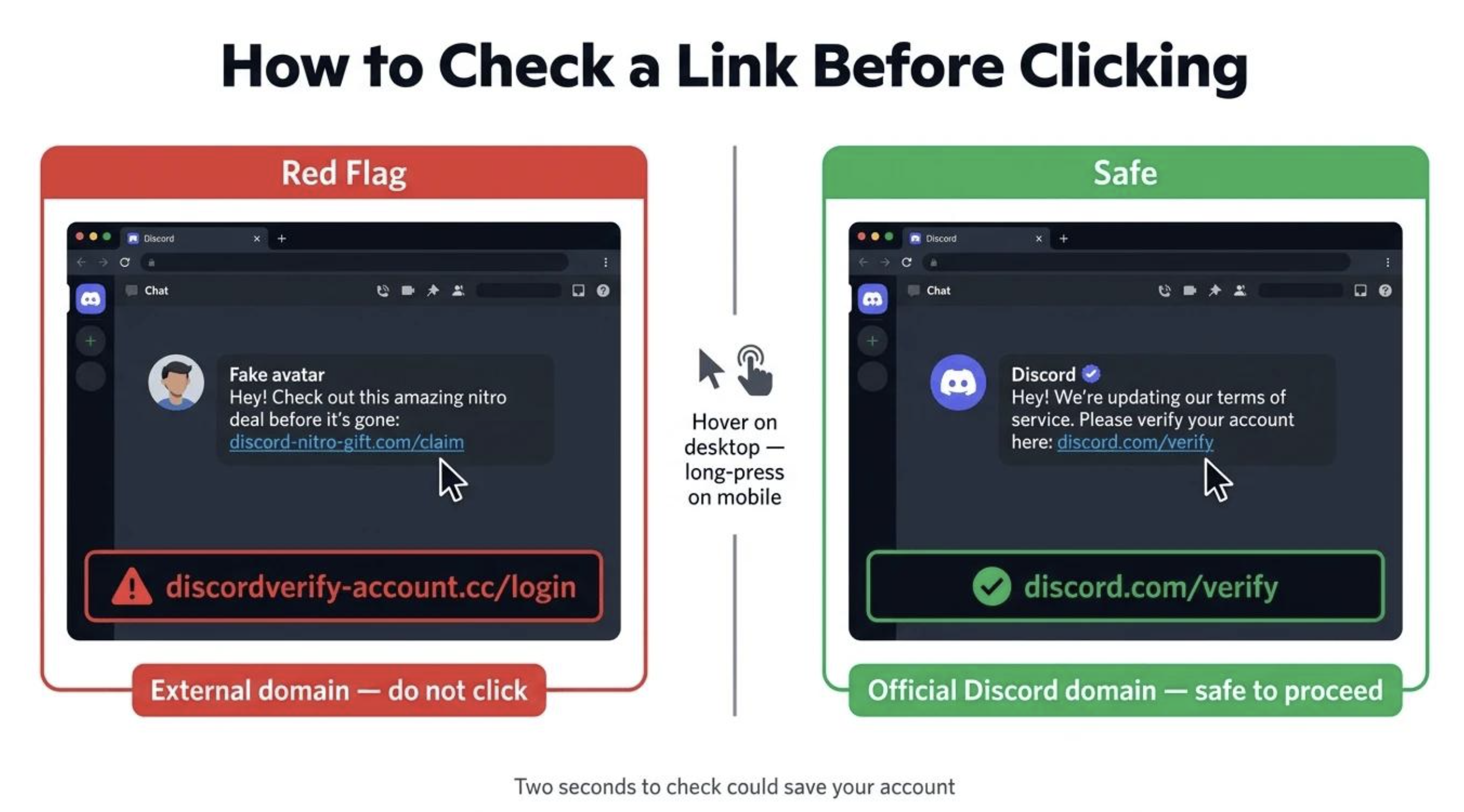
The 10-Second Safety Test
Before joining or claiming anything, ask:
1. Did the creator officially promote it?
2. Is this definitely the correct Discord server?
3. Is a bot asking me to log in somewhere?
4. Am I being asked to scan a QR code?
5. Does the prize require unusual permissions?
If something feels wrong, don't continue just because everyone else is doing it.
Why Huge Creator Servers Are Attractive Targets
Massive communities give scammers something extremely valuable: a large audience that already trusts the creator's name.
A fake server doesn't need to fool every fan.
It only needs a small percentage of thousands of users to click.
That makes creator communities attractive targets for fake giveaways, phishing pages, impersonation bots, and account-stealing campaigns.
The bigger the community, the more important basic verification becomes.
🎮 The Bottom Line
Joining a creator's Discord server should not require you to gamble with your account.
Verify the server. Question unexpected bots. Never give away your password. Be extremely careful with QR codes and external authorization pages.
If a giveaway feels rushed or asks for something unrelated to receiving the prize, walk away.
No free Nitro or giveaway prize is worth losing your Discord account.
Comments
Sign in to join the conversation
Sign inNo comments yet
Be the first to share your thoughts!