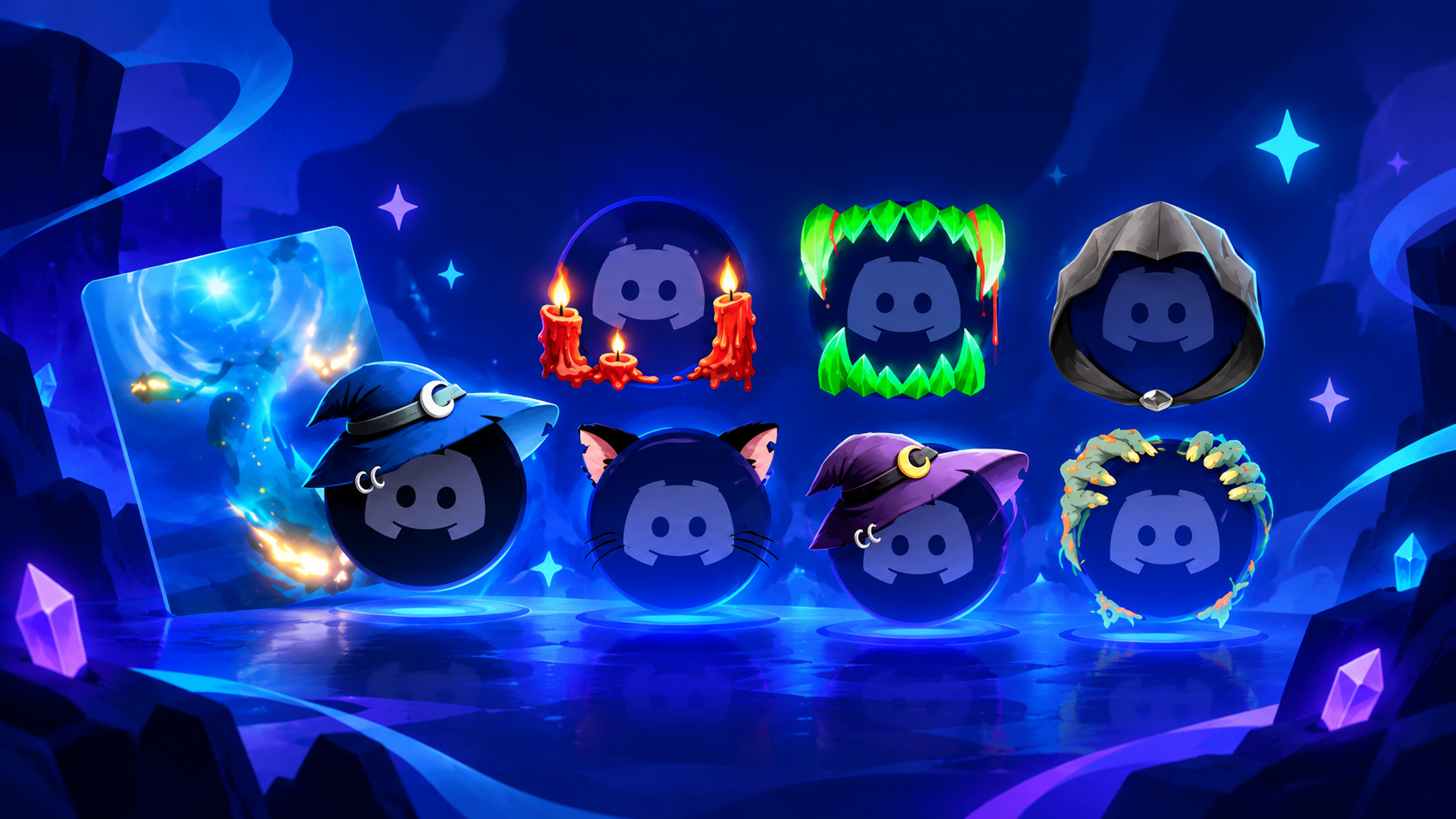

Discord Quests Explained: Earning Free Orbs and Avatar Decorations
Discord has become more than a place to chat with friends, coordinate multiplayer sessions, and build gaming communities. Its Quests feature also gives eligible users a way to earn digital rewards by engaging with selected games and promotional activities. Depending on the Quest, those rewards can include Discord Orbs, avatar decorations, or items connected to a participating game.
The appeal is straightforward: instead of paying directly for every cosmetic item, you may be able to complete an eligible task and unlock something for your profile. Some Play Quests require as little as 15 minutes of gameplay, although the exact requirement, reward, and availability depend on the individual promotion.
If you have noticed Quest promotions inside Discord and wondered whether they are worth your time, here is how the system works, where to find available offers, and what to check before participating.
1. What Are Discord Quests?
Discord Quests are opt-in promotional activities that let users discover games or content while working toward specified rewards. Game publishers and other partners can use them to introduce their titles to Discord users, while players can receive digital items for completing the advertised requirements.
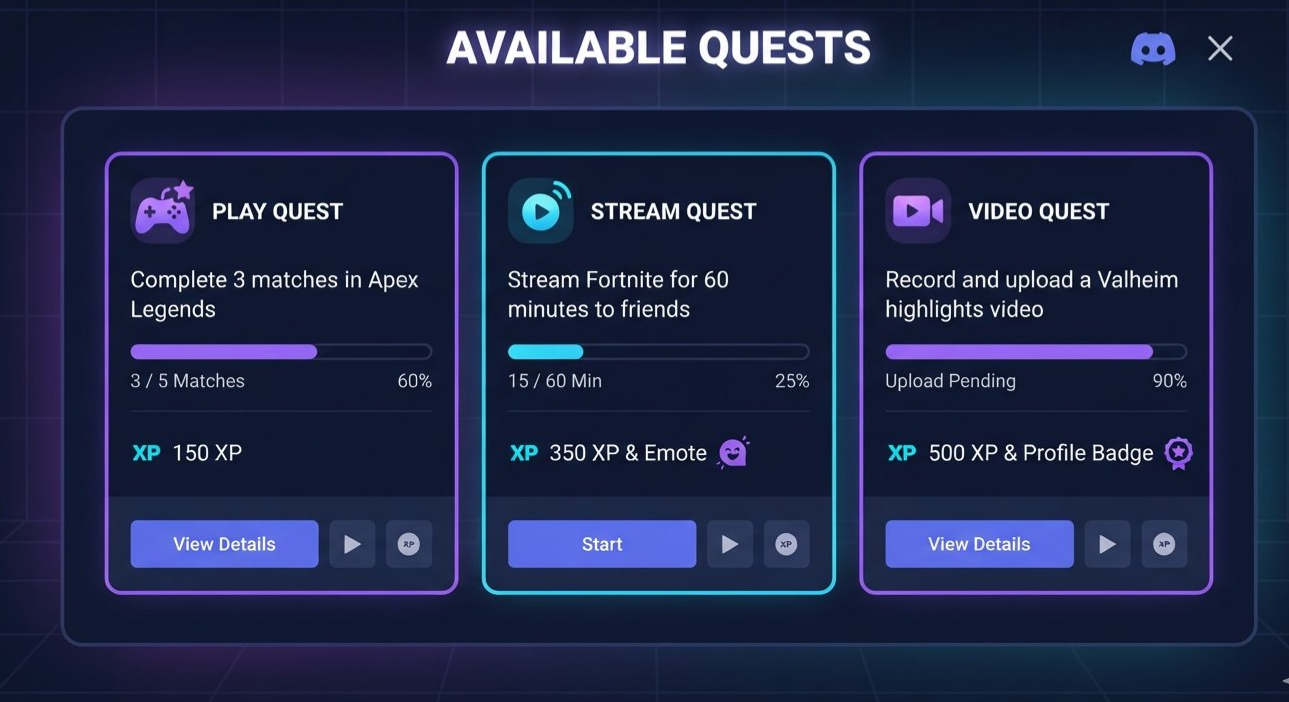
Quests are not all identical. One might ask you to play a supported game for a set amount of time, another could require you to stream gameplay to a friend through Discord, and a Video Quest may ask you to watch a particular trailer. Some promotions can also involve a specific in-game action or linking an eligible account.
The important detail is that you must follow the instructions shown on the individual Quest. Playing a random game for 15 minutes will not automatically earn you Orbs or decorations.
Discord describes Quests as a rewarded promotional format, and participation is optional. You can review the available requirements before accepting a promotion.
Official guide: https://support.discord.com/hc/en-us/articles/22225719947543-Discord-Quests-FAQ
2. What Are Discord Orbs?
Discord Orbs are virtual rewards earned primarily by completing eligible Quests. You can use them within Discord to redeem supported digital items in the Shop, including selected profile customization options and certain Orbs-exclusive rewards.
Think of Orbs as an in-platform reward balance rather than cash. They are designed to give users another way to access eligible digital items without making a direct monetary purchase for those specific redemptions.
The rewards available can change, and not every item in the Discord Shop can be purchased with Orbs. The Shop indicates which items are eligible and displays the relevant redemption options.
Discord's official Orbs FAQ explains how to earn, check, and spend this virtual currency.
Official guide: https://support.discord.com/hc/en-us/articles/30593690165783-Discord-Orbs-FAQ
What makes Orbs useful?
They provide another route to selected Discord cosmetics and digital perks.
They can be earned through eligible Quests without buying Orbs directly.
They remain in your account until you spend them, according to Discord's current FAQ.
They cannot be converted into real money or transferred to other users.
The reward amount is not fixed across all promotions. One Quest may offer a different amount from another, and the reward shown on your Quest card is the amount to use when deciding whether the task is worthwhile.
3. How to Earn Free Orbs and Avatar Decorations
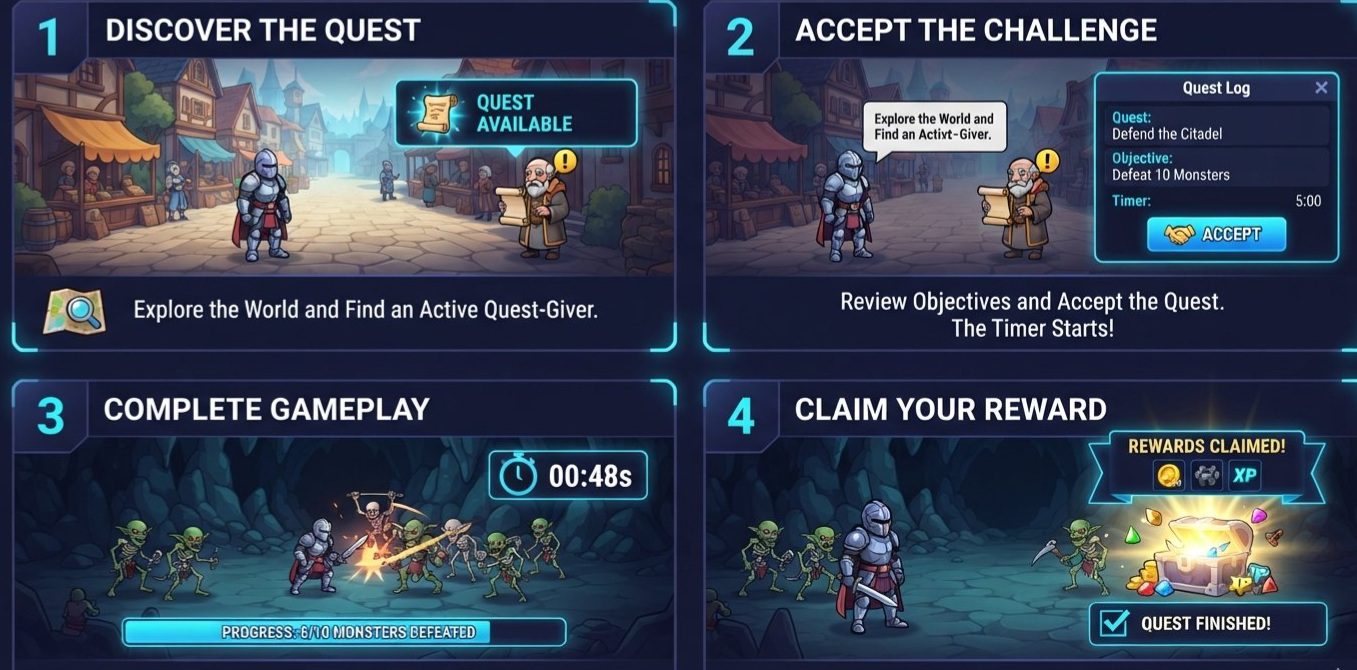
The process is simple once you know where to look. First, find an eligible Quest, check the reward and deadline, accept it, complete the required activity, and claim the reward.
Step 1: Open Discord and find Quest Home
On desktop, look for the Quest promotion bar if one appears in your client. You can also open the Discover section and select Quests to browse available offers.
On mobile, check the Quests section under your avatar and settings, or use the Orbs balance entry if it is available in your app.
The exact navigation can vary by platform and interface version, so follow the path shown in your current Discord client.
Step 2: Choose a Quest that interests you
Look at the featured game or activity and read the full requirements. Check whether the reward is Orbs, a Discord avatar decoration, a reward for a partner game, or something else.
Do not assume that every Quest offers both Orbs and avatar decorations. The reward depends on the promotion.
Step 3: Accept the Quest
For a Play Quest, select the option to accept it before beginning the required activity. Some promotions have specific participation windows, regional restrictions, or other eligibility conditions.
If the offer requires a linked account, a particular platform, or a specific game action, complete those setup steps as instructed.
Step 4: Complete the activity
Follow the displayed requirement exactly. If it asks you to play for 15 minutes, make sure you meet that requirement under the conditions listed on the Quest card.
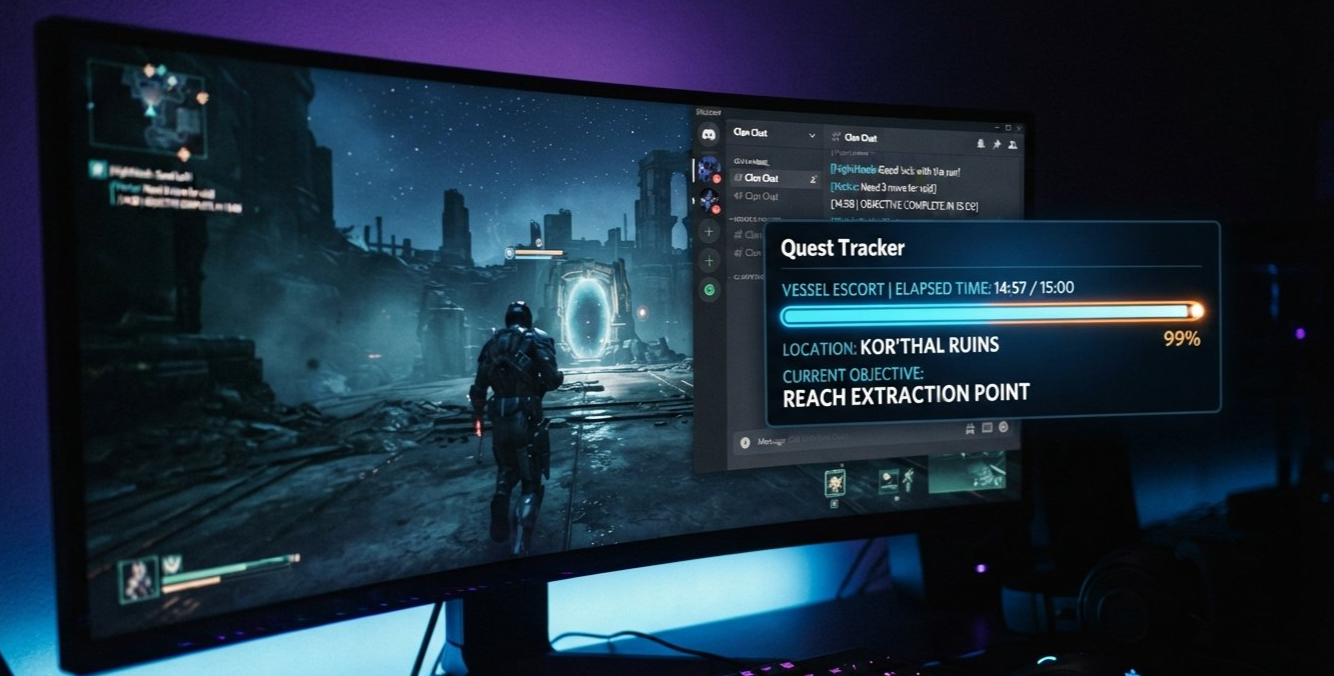
For example, Discord's Quest FAQ explains that gameplay-tracking Play Quests require you to be logged into the Discord desktop app. Streaming Quests have separate requirements, such as streaming the supported game to at least one friend in a Discord voice channel for the specified duration.
Step 5: Claim your reward
Once the Quest is complete, return to the Quest bar or Quest Home and select Claim Reward. Rewards for Discord, including Orbs and eligible avatar decorations, are added to your account after you claim them.
Do not stop at the completed progress bar. Check whether Discord requires you to claim the reward manually.
4. How to Complete a 15-Minute Play Quest
A 15-minute Quest can be an easy introduction to the rewards system, particularly if the featured game is one you already want to try. However, the timer is only one part of the task. The game, platform, tracking requirements, and deadline still matter.
Here is a practical checklist before you begin.
Before playing
Accept the Quest in Discord.
Confirm that the selected game and platform are eligible.
Read whether Discord must remain open during the activity.
Check the deadline and any account-linking instructions.
Note the reward displayed on the Quest card.
While playing
Meet the required playtime or activity target.
Keep Discord open if the Quest requires desktop tracking.
Follow any extra instructions, such as streaming to a friend or completing a specific action.
Avoid assuming that simply launching a game will count as completion.
After playing
Return to Quest Home.
Allow time for progress to update if necessary.
Select Claim Reward once the Quest is marked complete.
Check your Orbs balance or profile inventory to confirm the reward.
Not every Quest uses a 15-minute timer. A Video Quest, a stream-based activity, or a Quest requiring an in-game action can work differently. Always treat the displayed instructions as the source of truth.
5. What Can You Buy With Discord Orbs?
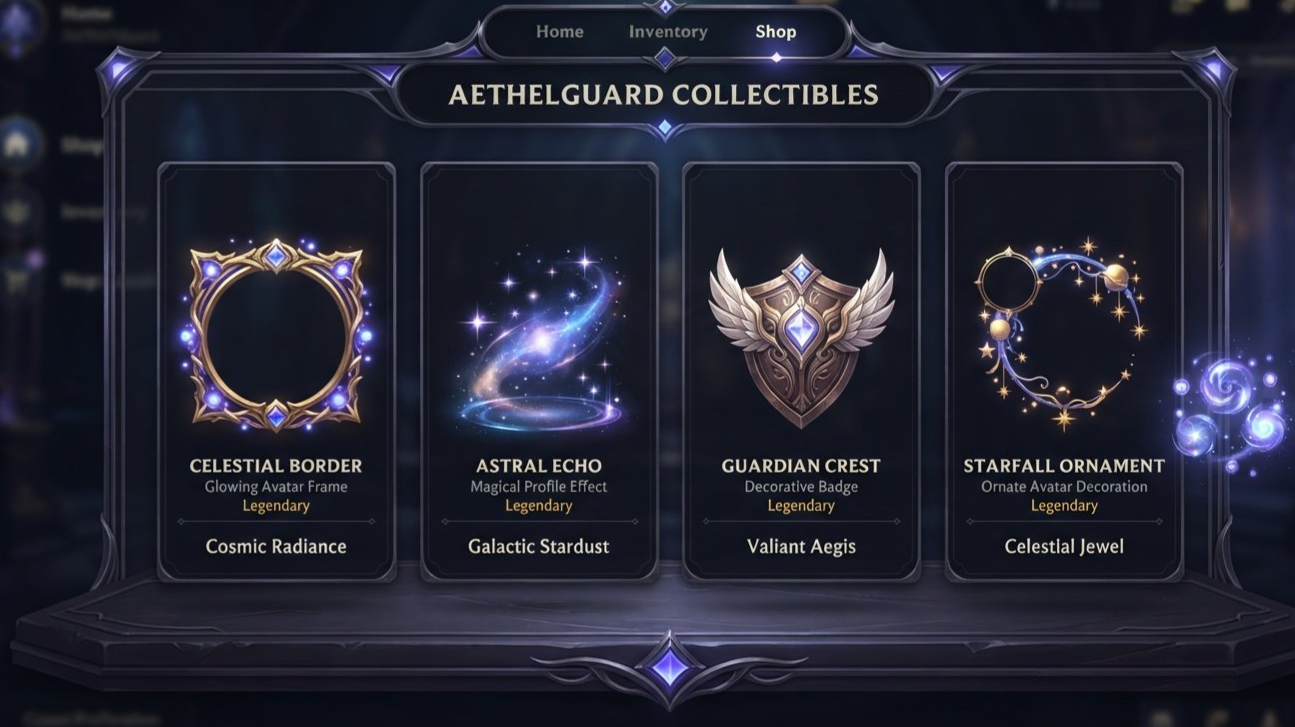
Once you have earned Orbs, the next step is deciding how to use them. Discord's Shop offers eligible items that can be redeemed with Orbs, including selected cosmetics and other digital perks.
Depending on what is available at the time, these can include:
Avatar decorations: Cosmetic additions that change how your avatar appears in Discord.
Profile effects: Visual effects that give your profile a more distinctive look.
Profile badges and other eligible items: Certain special items may be included in the Orbs-exclusive selection.
Nitro credits: Discord's Orbs FAQ lists Nitro credits among the rewards available through the Shop, subject to the current offering and redemption conditions.
Not every item is an Orbs-exclusive item, and not every Shop listing can be redeemed using Orbs. Some products may require a regular purchase instead. Check the item details and redemption price before spending your balance.
How to redeem Orbs in the Shop
Open the Discord Shop.
Browse the Orbs Exclusives section or the wider Shop collection.
Select an eligible item and check its displayed Orbs price.
Review the item and redemption details.
Choose the available claim or redeem option and confirm.
The mobile interface may use slightly different labels, such as Redeem or Redeem using Orbs.
One useful detail: Discord's current Orbs FAQ says earned Orbs do not expire under the stated rules. That means you do not need to rush into spending them simply because you have completed a Quest.
Official source: https://support.discord.com/hc/en-us/articles/30593690165783-Discord-Orbs-FAQ
6. Do You Need Discord Nitro?
No. You do not generally need Discord Nitro just to participate in an eligible Quest, but individual promotions may have their own terms and eligibility conditions.
Nitro can provide additional benefits for certain Quest rewards. Discord's current Orbs FAQ states that eligible Nitro subscribers receive a 1.2x Orbs multiplier for qualifying Quests that offer Orbs. The FAQ also explains that this perk has specific eligibility rules, so check the current terms rather than assuming every subscription or reward qualifies.
Nitro subscribers can also receive extended access to certain avatar decoration rewards earned through Quests. The duration and conditions depend on the applicable reward rules.
The practical takeaway is simple: free users can still participate in eligible promotions, while Nitro may offer extra benefits for qualifying rewards. Do not subscribe solely because you assume a Quest requires it. Check the offer first.
Official sources:
https://support.discord.com/hc/en-us/articles/22225719947543-Discord-Quests-FAQ
https://support.discord.com/hc/en-us/articles/30593690165783-Discord-Orbs-FAQ
7. Why a Quest Might Not Appear or Track Progress
If a Quest is missing or your progress does not update, it does not automatically mean your account is broken. Quests can vary based on eligibility, availability, platform, and promotional timing.
The Quest is not available to your account
Discord says Quest promotions may be personalized or shown contextually. Different users may therefore see different offers. Some promotions may also have regional, platform, or time restrictions.
The deadline has passed
Each Quest has a defined participation window. If an offer has expired, it may no longer be possible to accept it or claim its reward.
You started before accepting
Some tasks require you to accept the Quest first. If you launch the game before accepting, your activity may not count toward that particular promotion.
Discord is not tracking the required activity
For gameplay-tracking Play Quests, check whether the desktop app must be open and whether the supported game and platform match the requirements. Streaming tasks have their own tracking conditions.
Your progress bar is delayed
Discord's Quest FAQ recommends restarting the app and checking for updates if the progress bar is not updating. Certain in-game actions that rely on account-linked completion data can also take time to process.
The reward has not been claimed
A completed Quest may still require you to select Claim Reward. Return to Quest Home and check the status before assuming the item or Orbs are missing.
If the issue continues, consult Discord's official Quest FAQ and the individual promotion's terms before trying the activity again.
8. Are Discord Quests Worth Your Time?
For players who already enjoy gaming and profile customization, Discord Quests can be a useful way to earn digital rewards without directly paying for those eligible items.
The biggest advantage is convenience. If a Quest features a game you already play, completing the activity may fit naturally into your usual gaming session. A short task can also be a low-commitment way to discover a title you have not tried before.
There are still a few things to keep in mind.
First, rewards are promotional rather than guaranteed. Offers rotate, and the same reward will not necessarily be available to every user. Second, the time required varies. A 15-minute Play Quest is different from a task that asks you to stream, watch a video, or complete an in-game objective. Third, these rewards are digital items for use under Discord's rules, not cash or a source of income.
It is also worth considering privacy and personalization. Discord explains that Quest promotions are optional and that users can control Quest personalization through the app's available settings.
A simple way to decide
A Quest is likely worth considering if:
The reward is something you actually want.
You already play the featured game or are genuinely interested in trying it.
The time and setup requirements are reasonable.
The offer is available to your account and has a deadline you can meet.
If the game does not interest you or the requirements feel excessive, you can skip the offer. There is no need to complete every Quest.
9. Frequently Asked Questions
Can I earn free Discord Orbs by playing games?
Yes. Eligible Quests can award Orbs after you complete the listed requirements and claim the reward. The amount depends on the individual offer.
Does every Quest take only 15 minutes?
No. Some Play Quests use a 15-minute requirement, while other Quests may require a different duration, streaming, watching a video, or completing a specific action.
Can I earn avatar decorations without Nitro?
Some eligible Quest rewards can be earned without Nitro, but individual reward terms apply. Nitro subscribers may receive extended access to certain avatar decorations.
Where do I find my Orbs balance?
On desktop or browser, Discord's current Orbs FAQ directs users to Quest Home or the Shop, where the balance can appear. On mobile, check the Quests or Orbs Balance entry available through your avatar and settings.
Do Discord Orbs expire?
Discord's current Orbs FAQ says earned Orbs remain in your account until you spend them. They are tied to your account and cannot be transferred to another user or converted into real money.
Why is the Quest not showing up for me?
The offer may not be available to your account, region, or platform, or it may have expired. Discord also personalizes or contextually displays some promotions, so not everyone sees the same Quest list.
What should I do if my reward is missing?
Check that the Quest is complete and that you selected Claim Reward. Restart Discord and check for updates if progress is stuck. If the reward still does not appear, consult the official Quest FAQ or the promotion's support instructions.
Final Thoughts
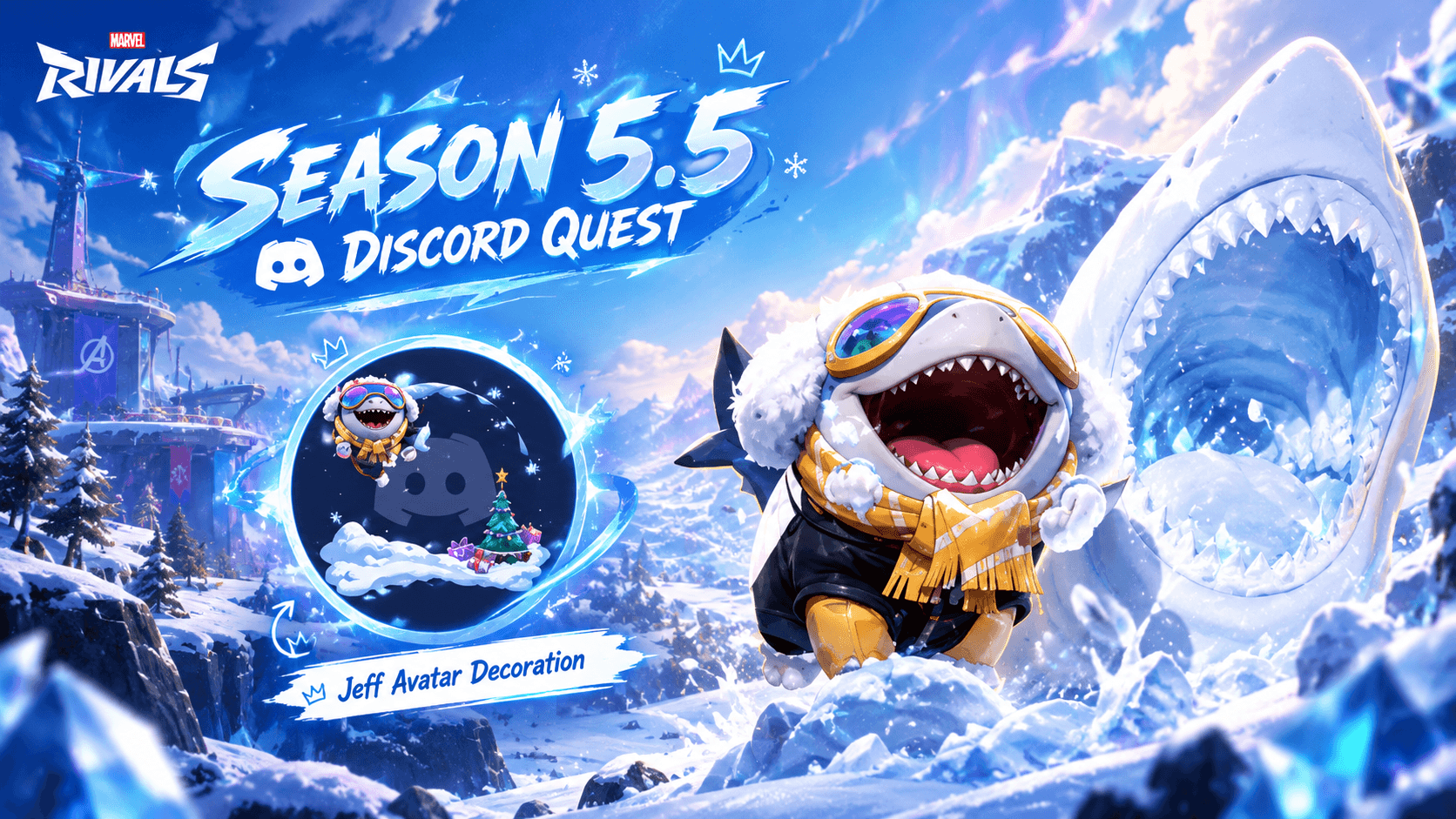
Discord Quests offer a straightforward way to earn digital rewards by engaging with selected games and promotional activities. Depending on the offer, completing a short gameplay task can unlock Orbs for eligible Shop items or a special avatar decoration for your profile.
The best approach is to check Quest Home regularly, read the requirements carefully, accept the offer before starting, and claim the reward after completion. A 15-minute task can be worthwhile when the game and reward interest you, but the details always depend on the individual Quest.
You do not need to chase every promotion. Choose the offers that fit your gaming habits, keep an eye on deadlines, and use your Orbs on items you genuinely want.
Official Sources and Further Reading
Discord Quests FAQ: https://support.discord.com/hc/en-us/articles/22225719947543-Discord-Quests-FAQ
Discord Orbs FAQ: https://support.discord.com/hc/en-us/articles/30593690165783-Discord-Orbs-FAQ
Discord's global Orbs launch announcement: https://discord.com/press-releases/discord-launches-orbs-globally

Comments
Sign in to join the conversation
Sign inNo comments yet
Be the first to share your thoughts!