

Discord Push to Mute Bug Fixed: No More Unexpected Mute Sounds
Discord Push to Mute Bug Has Been Fixed
Discord has fixed a small but annoying Push to Mute bug on desktop.
The bug caused Discord to play its mute and deafen sounds when users activated Push to Mute, even if those system sounds had been turned off in the app's settings. Discord listed the fix in its October 6, 2026 patch notes. Discord
For users who prefer a quiet voice-chat setup, the fix means Push to Mute should now respect their sound settings.
What Was the Discord Push to Mute Bug?
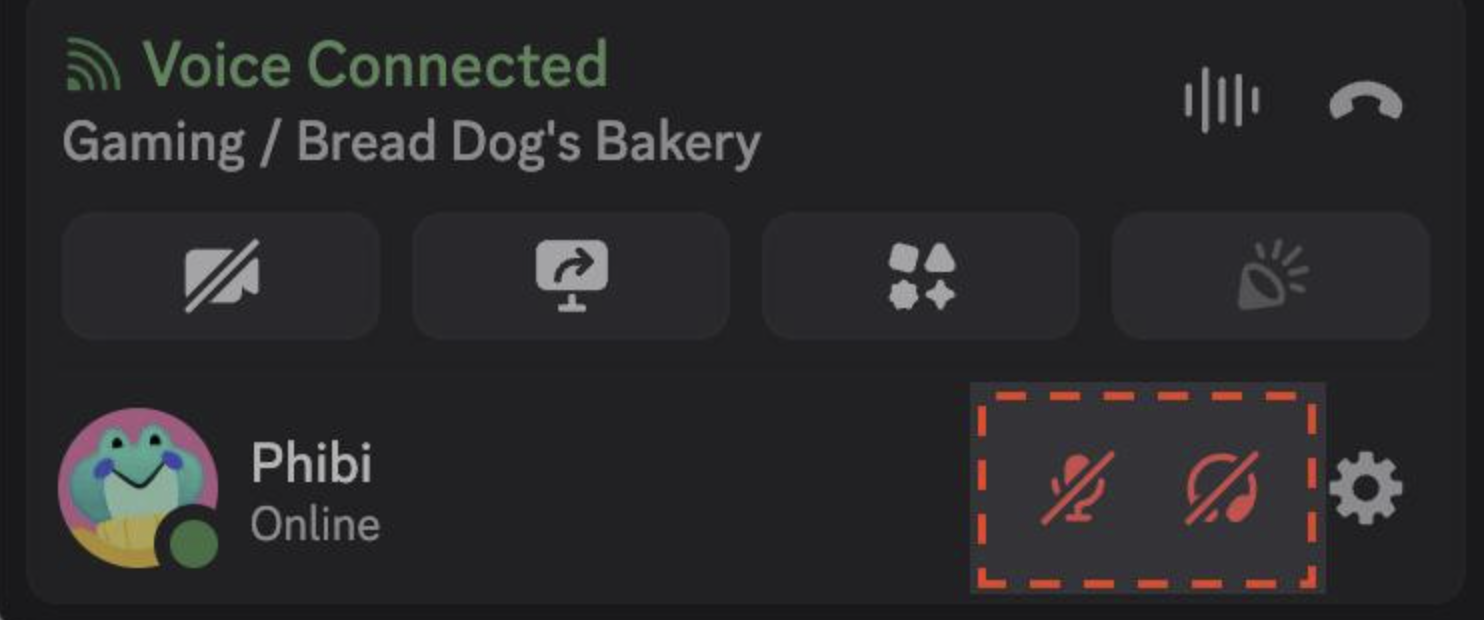
Push to Mute lets you mute your microphone while holding a keybind.
Discord describes it as a hold-based keybind. While the key is pressed, your microphone stays muted. When you release it, your microphone becomes active again. Discord
The problem was with the sounds that played during this action.
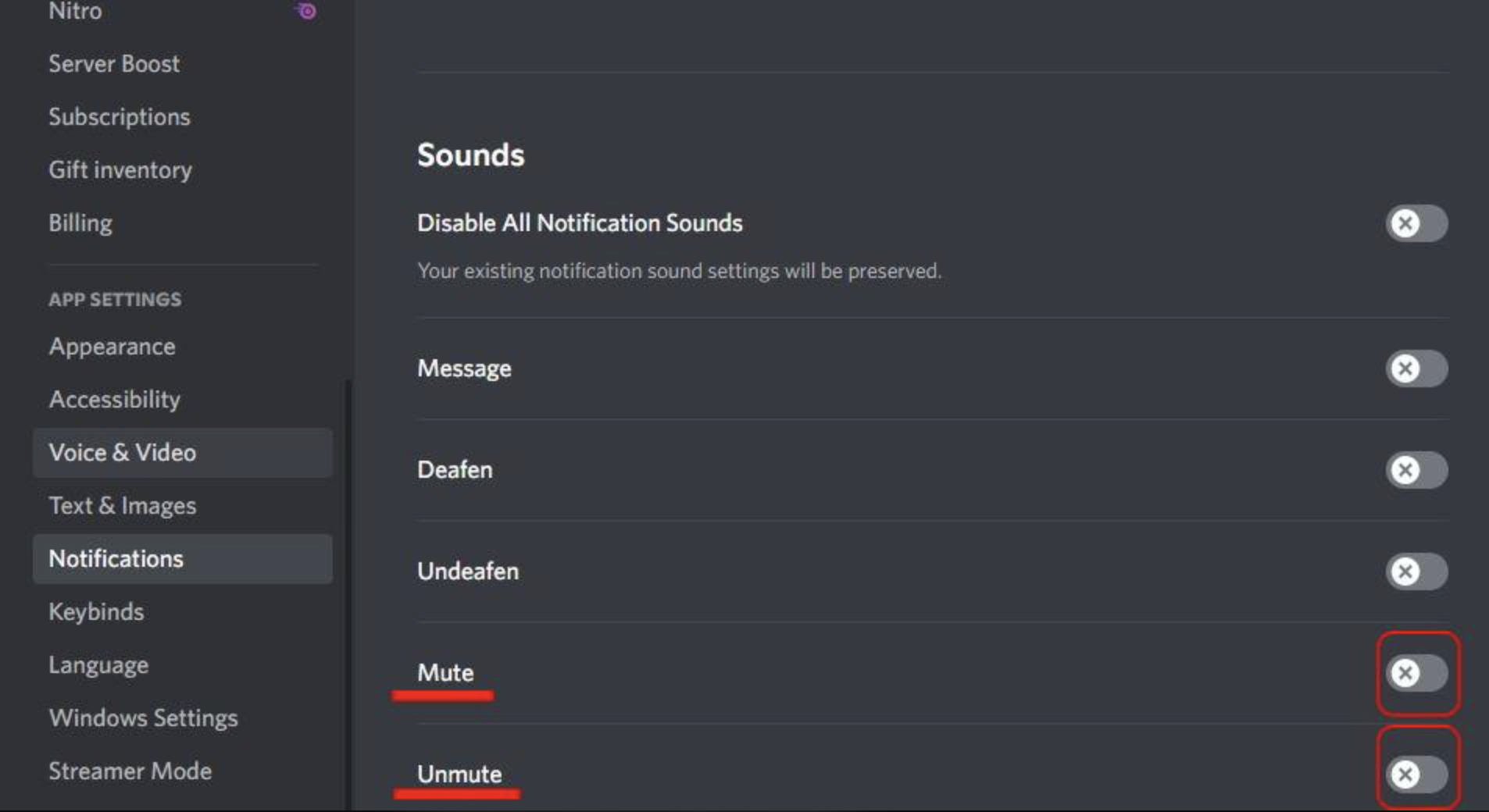
Users could disable the Mute and Deafen sounds in Discord's sound settings, but using Push to Mute could still trigger those sounds.
That made the setting feel inconsistent.
What Did Discord Fix?
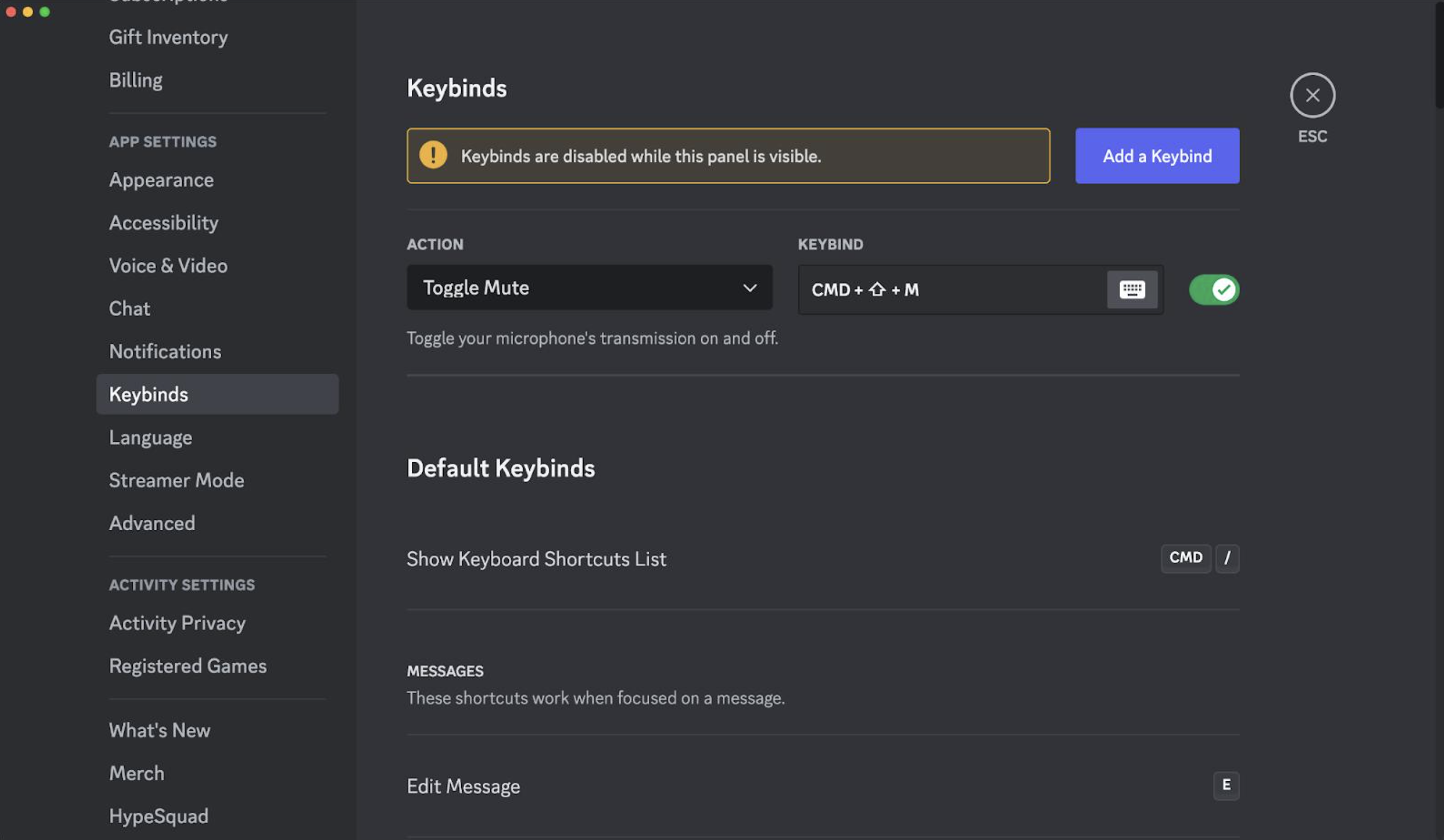
Discord's October 6 patch notes specifically say it fixed a desktop issue where Push to Mute still played mute/deafen sounds even when those system sounds were disabled. Discord
In simple terms:
| Before | After |
|---|---|
| Push to Mute could play sounds | Push to Mute respects sound settings |
| Mute sound could still play | Disabled sounds stay disabled |
| Desktop behavior was inconsistent | Desktop behavior is fixed |
This was a small bug, but it affected an important part of Discord's voice experience.
How Push to Mute Works
Push to Mute is a hold keybind.
When you hold the assigned key:
Microphone → Muted
When you release it:
Microphone → Unmuted
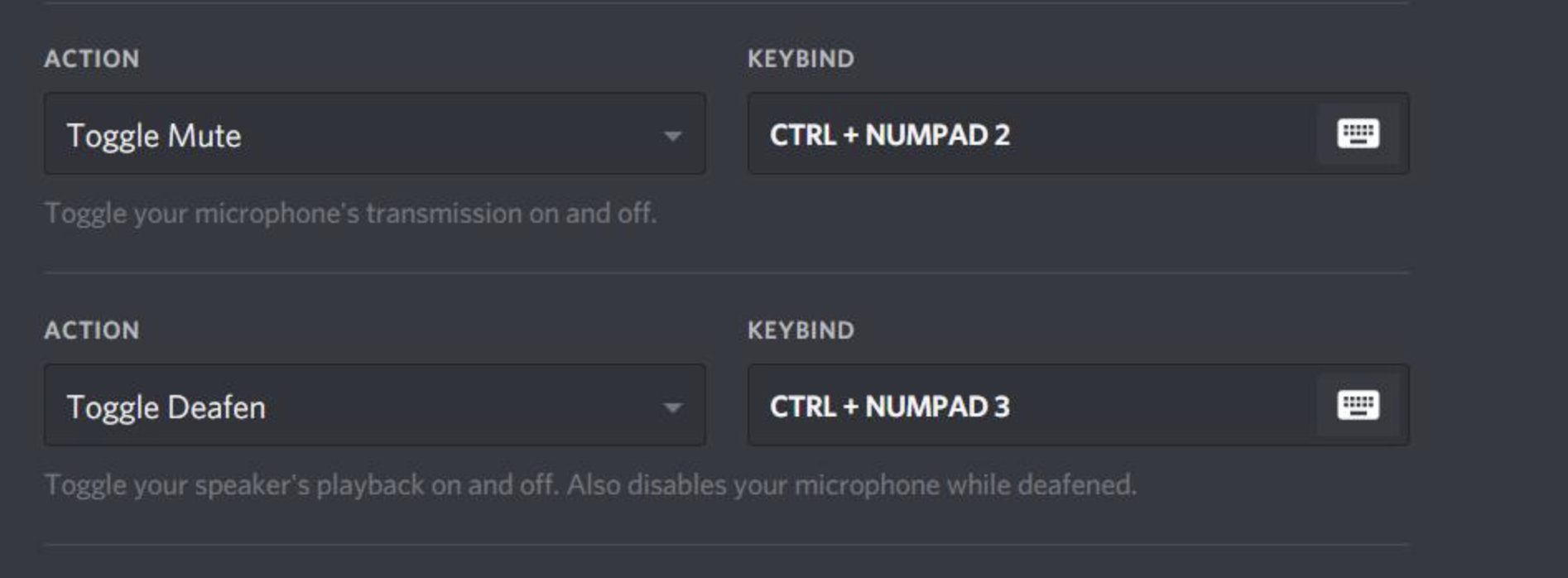
Discord also supports other voice keybinds, including Toggle Mute, Toggle Deafen and Push to Talk. Discord
Push to Mute is especially useful when you want to quickly stop your microphone from picking up background noise without permanently muting yourself.
What About Discord's Mute and Deafen Sounds?
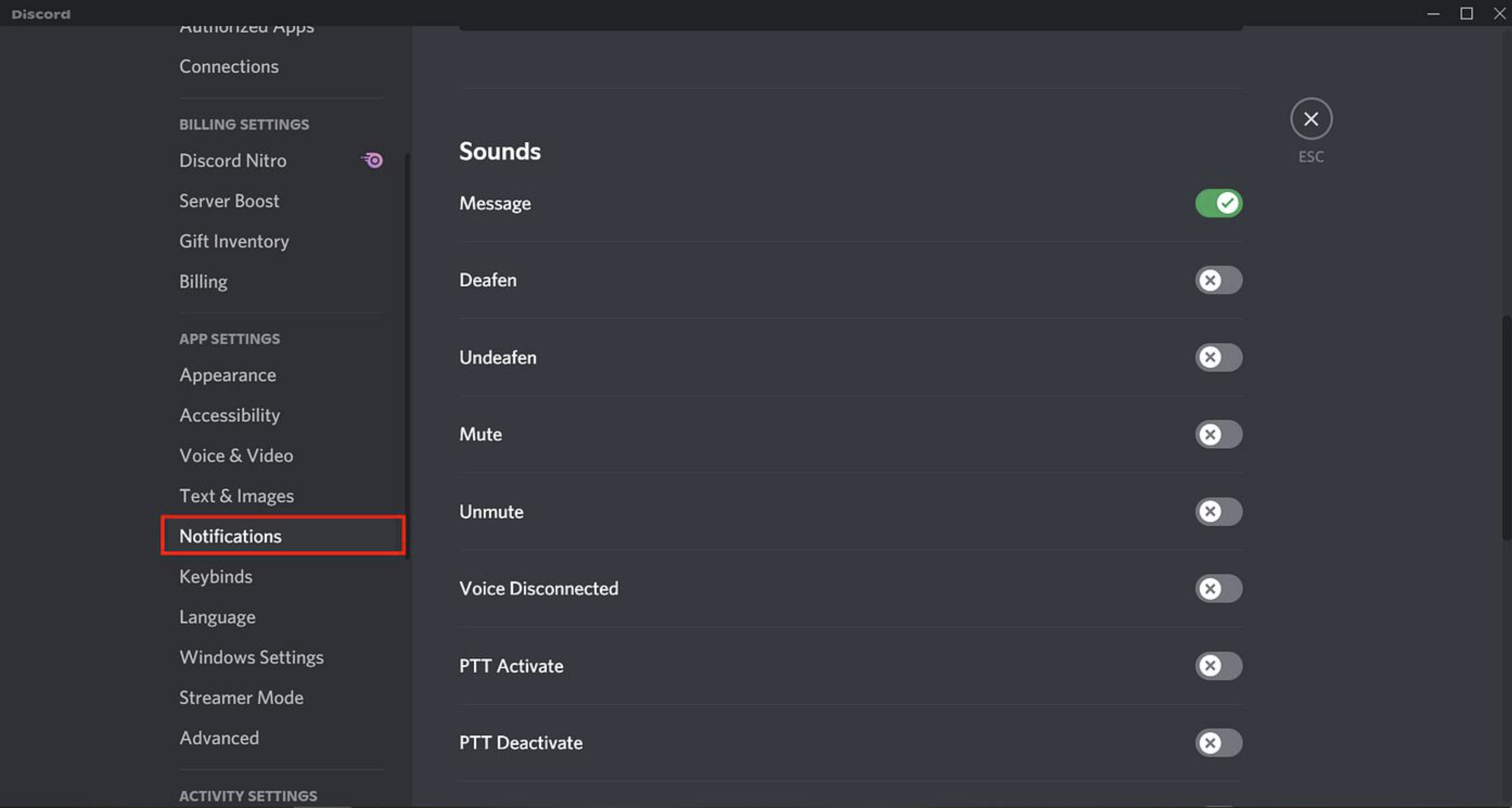
Discord lets users control individual sounds from:
User Settings → Notifications → Sounds
The available sound controls include Mute and Deafen, along with other voice and notification sounds. Discord
The October 6 fix makes Push to Mute behave correctly with those settings.
If you have the relevant sounds disabled, Push to Mute should no longer ignore that preference.
Why This Small Fix Matters
This is not a major Discord feature update.
It is a quality-of-life fix.
Push to Mute is often used during gaming, streaming and group calls. Unexpected sounds can be distracting, especially when users have deliberately disabled them.
The fix also makes Discord's settings more predictable.
If a sound is turned off, users expect it to stay off.
What Should Discord Desktop Users Do?
If you use Push to Mute, make sure your Discord desktop client is updated.
Then check:
- Open User Settings.
- Go to Notifications.
- Open Sounds.
- Check the Mute and Deafen sound settings.
- Test your Push to Mute keybind.
The October 6 patch notes say the fix has been committed and merged, although Discord notes that fixes can take time to roll out across individual platforms. Discord
🎮 The Bottom Line
The Discord Push to Mute bug is fixed.
Discord's desktop client was incorrectly playing mute and deafen sounds even when users had disabled those sounds. The October 6, 2026 update fixes the issue and makes Push to Mute respect the user's sound preferences. Discord
It's a small change, but one that makes Discord's voice controls work the way users expect.
Do you use Push to Mute on Discord? Let us know if you noticed this bug.


Comments
Sign in to join the conversation
Sign inNo comments yet
Be the first to share your thoughts!